
Free tool
What do Google and AI crawlers actually read on your website?
Type your address. We fetch the page the way a crawler does, without JavaScript, and show what it finds, with three fixes to try first.
What this does
The website check reads your page as a search or AI crawler would, from the raw HTML. It scores nine things that decide whether machines can understand your site: readable text, title, description, headings, structured data, canonical, social tags, speed of response and crawler files. It takes about ten seconds and needs no sign-up.
See an example
What an empty page looks like to a crawler.
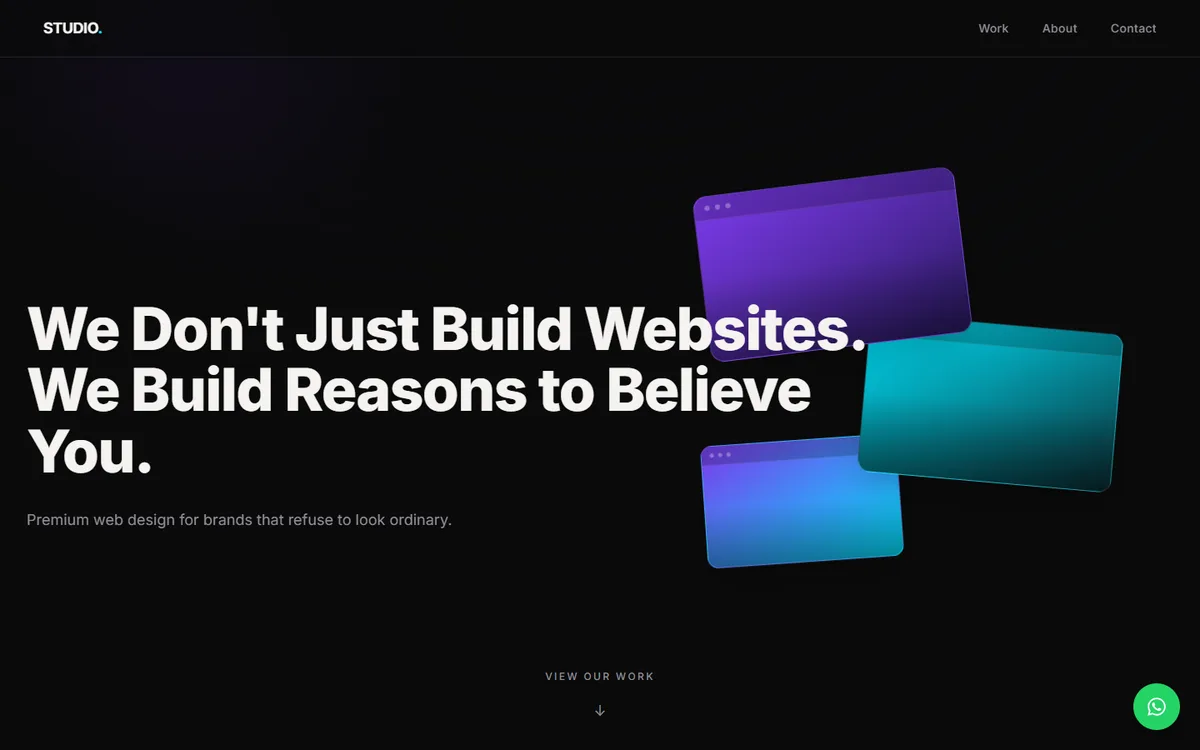
This is a real, measured result for our previous studio website, before we rebuilt it.
GET website.socialbaniya.com/ (no JavaScript, before this site was rebuilt)status 200title Studio — Premium Web Design✓ Meta description✗ One H1 heading✗ Structured data (JSON-LD)✗ Canonical link✓ Social preview tags✗ Readable text (300+ characters)text found 27 characters
“A crawler that does not run JavaScript reads almost nothing here.”
3/7
checks passed. For comparison, socialbaniya.com gives the same kind of crawler 19,225 characters, 1 H1 and structured data. Measured 31 Oct 2026.
How to read the result
- Readable text. If this is tiny, your page depends on JavaScript to show its words. AI crawlers may see nothing.
- Title, description, H1. One clear title, a description of 50 to 170 characters and exactly one main heading.
- Structured data. JSON-LD that matches the visible page helps machines understand who you are and what you sell.
- Canonical and social tags. They tell search engines which address is the real one and give clean previews when your page is shared.
- Response time and headers. A slow first byte slows everything after it; basic security headers are a quality signal.
- robots.txt, sitemap and llms.txt. Whether crawlers are allowed in and told where your pages are. llms.txt is optional and not used by Google Search.
FAQ
About the website check
What does the website check do?
It fetches your page the way a crawler does, without running JavaScript, and reports what it finds: the title, description, headings, structured data, readable text, speed of the response, security headers, robots rules, sitemap and llms.txt.
Is it free, and is my result private?
It is free. The result is shown to you. We keep the address you entered and the technical result for a short time to limit abuse, and we use it to follow up only if you ask us to.
What does it not tell me?
It does not measure ranking or Core Web Vitals, and it cannot see content that only appears after you sign in. For a full speed test we run Lighthouse separately.
Why is my score low if my site looks fine?
Because the check reads the HTML, not the picture. A page can look complete in a browser and still send crawlers an empty shell. Read why this matters.
Keep reading
Free · No obligation
Want us to fix what the check found?
Send us your address and the result. We reply on WhatsApp with what to fix first.


Your request goes to Abhishek Gupta and the team.We reply within 15–30 minutes in business hours.
Start with two quick questions
Step 2 is optional.
Thanks, . You’re in.
We reply within 15–30 minutes in business hours. Have your website link and a line about what you want ready.
- You tell us what you needName, WhatsApp number and the kind of project. About 40 seconds.
- We reply and look at your siteWe reply within 15–30 minutes in business hours, with a free check of what search engines and AI crawlers read on your current site.
- You get a written quote after a short callHire us or don’t: the check is yours either way.